.svg)
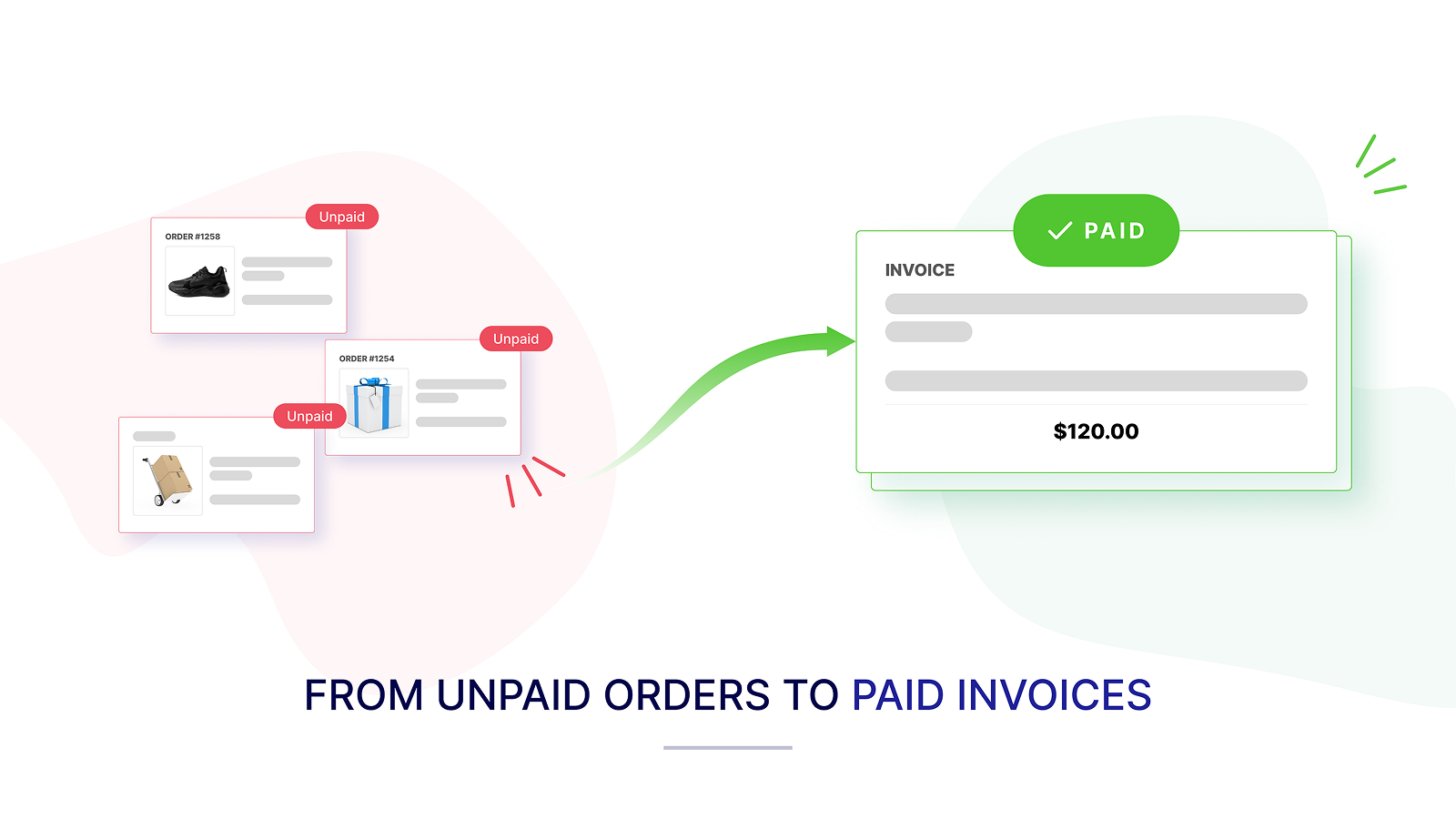
Running a Shopify store involves much more than attracting customers and processing orders. As your business grows, administrative responsibilities also increase. You may need to generate invoices, answer customer requests, monitor payment status, follow up on overdue balances, and maintain accurate financial records—all while managing products, fulfillment, marketing, and customer service.
For many Shopify store owners, the challenge is not creating one invoice. The challenge is knowing what happens after the invoice is sent.
Has the customer paid? Which invoices are still outstanding? Who needs a reminder? Which wholesale customer has exceeded their payment terms? And most importantly: who owes your business money?
Invoice Hero helps Shopify merchants manage this process more efficiently. It combines professional PDF invoice generation with payment reminders, invoice tracking, payment links, and accounts receivable tools designed for growing Shopify businesses.
When a Shopify store is new, the owner may be able to monitor every order manually. Invoices can be created one at a time, payment details can be checked individually, and customer follow-ups may be handled from a personal inbox.
This approach becomes difficult as order volume increases.
You may be managing:
Manual invoicing takes time and can lead to inconsistent customer communication. A missed invoice or delayed payment reminder can also affect your cash flow.
For a growing Shopify store, invoicing should be connected to the order workflow—not treated as a separate administrative task.
A Shopify invoice is more than a receipt. It can serve as a formal record of the transaction and provide customers with the information they need for payment, accounting, tax reporting, or internal approval.
Invoice Hero enables Shopify store owners to automatically or manually generate professional PDF invoices for their orders. Merchants can customize invoice designs with their logo, colors, fonts, and business details to create a consistent brand experience.
Invoices can include important information such as:
For stores selling internationally, multi-language and multi-currency support can make invoices easier for customers to understand and process.
Store owners often spend valuable time completing repetitive tasks:
Invoice Hero helps reduce this manual workload by allowing merchants to send invoices automatically for new orders or trigger them manually when required. Store owners can also download or print invoices in bulk, which is useful for larger order volumes, fulfilment teams, or offline record keeping.
Invoices can also be generated from the Shopify admin orders page, helping merchants work within the systems they already use.
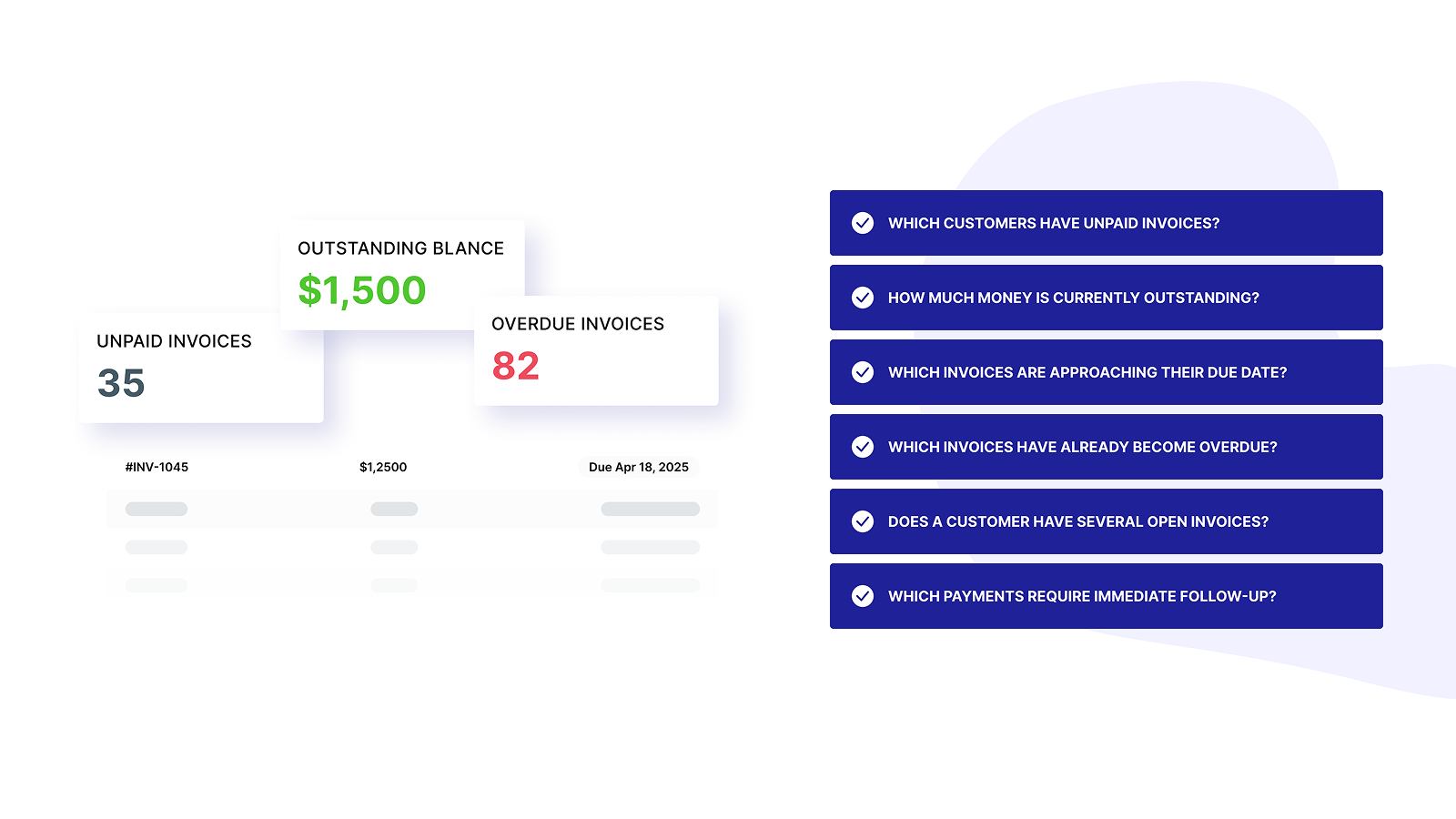
A growing store needs more than an invoice generator. It needs a clear view of its outstanding receivables.
Accounts receivable refers to the money customers owe your business for products or services already provided. For Shopify merchants, this may include unpaid wholesale orders, draft-order invoices, credit sales, or customers purchasing under agreed payment terms.
Without proper tracking, it can be difficult to answer:
Invoice Hero’s payment tracking and accounts receivable tools help store owners monitor invoice status more efficiently. This gives merchants a clearer view of expected payments and reduces the need to search through individual Shopify orders or disconnected spreadsheets.
Retail customers generally pay at checkout. B2B customers may follow a different process. They may request an invoice, purchase products on credit, or pay according to agreed terms such as Net 15 or Net 30.
For example, a wholesale customer may place an order in the first week of the month and make payment within 30 days. If the due date is not clearly documented, payment can be delayed or overlooked.
Shopify payment terms should be displayed clearly on the invoice. This may include:
Clear information helps the customer’s accounts team process the invoice correctly and gives the store owner a reliable reference point for follow-up.
Customers do not always delay payment intentionally. An invoice may be missed, sent to the wrong department, or waiting for internal approval.
Automatic invoice payment reminders help store owners follow up consistently without writing every message manually. A practical reminder sequence may include:
This process helps prevent unpaid invoices from becoming forgotten invoices. It also allows store owners to maintain a professional tone while improving payment consistency.
For B2B businesses, reminders can include the invoice amount, due date, payment link, and a clear request for an expected payment date.
When an invoice becomes overdue, the next step should be organised rather than reactive.
Store owners can prioritise overdue invoices based on:
A polite first reminder can assume that the customer missed the due date. A later message can be more direct and include a copy of the invoice, payment instructions, and a request for a confirmed payment date.
Including a Shopify payment link can reduce friction by allowing the customer to pay directly from the invoice or reminder.
For Shopify store owners, the complete payment workflow can be structured as:
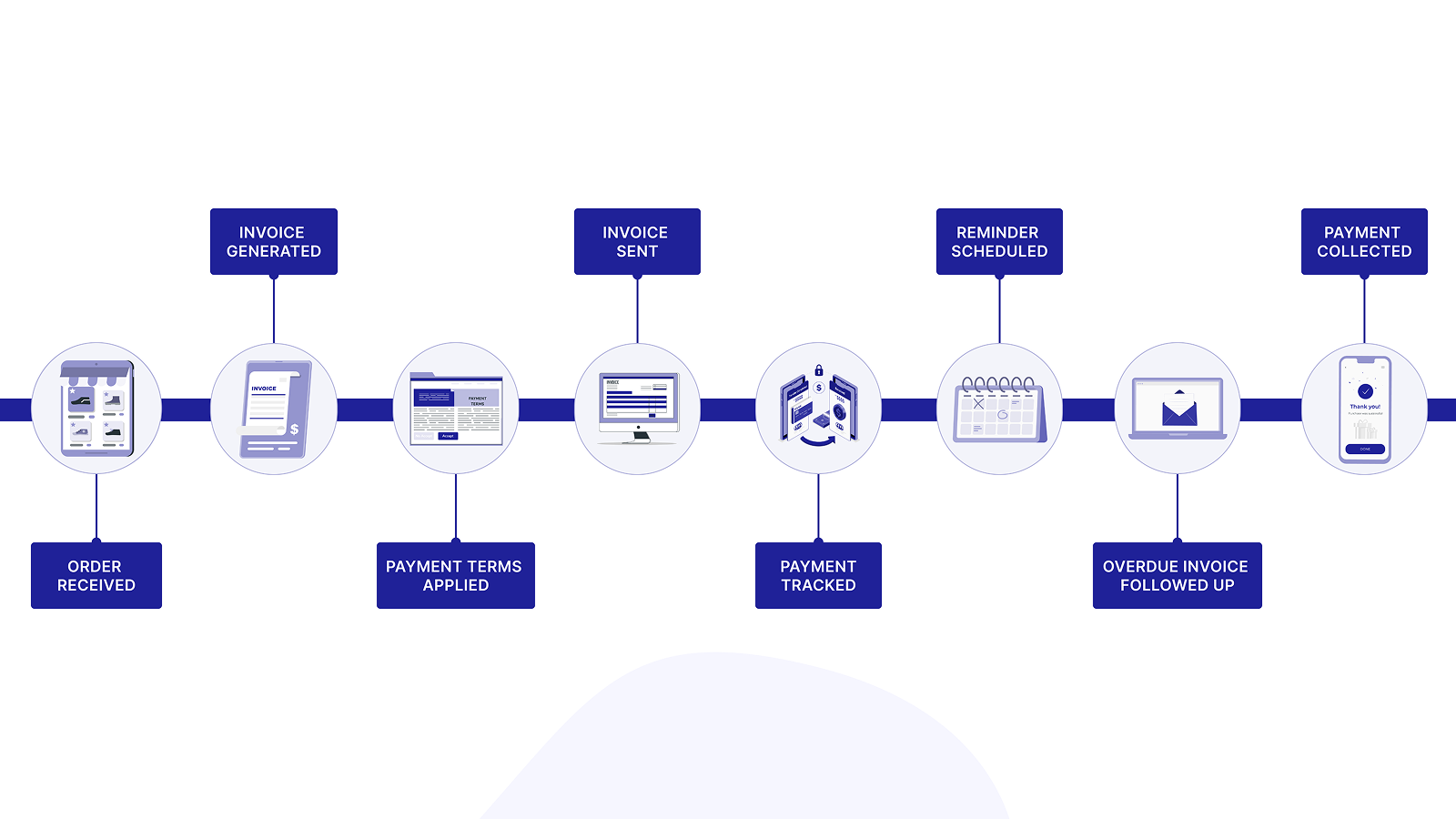
This workflow is particularly useful for:
Invoice Hero helps bring these activities together in one Shopify-focused workflow. It supports automatic PDF invoices, customizable designs, payment links, order printing, payment reminders, and accounts receivable management. The Shopify App Store listing also identifies support for Shopify POS, Shopify Flow, customer accounts, multi-currency, multi-language invoices, payment terms, due dates, and invoice tracking.
A successful Shopify store needs more than sales. It needs healthy cash flow and reliable payment processes.
By connecting invoice generation with payment terms, reminders, tracking, and collections, store owners can spend less time on repetitive administrative work and gain better visibility into outstanding revenue.
Invoice Hero helps answer the question every growing merchant eventually needs to answer:
Who owes my Shopify store money, how much do they owe, and what should I do next?
With a structured invoicing and accounts receivable workflow, Shopify store owners can improve customer communication, reduce missed follow-ups, and manage payments with greater confidence.
Ready to simplify invoicing and payment tracking for your Shopify store? Explore Invoice Hero and build a more efficient workflow from order to payment.


.svg)